Remove photo
backgrounds.
Your photo, minus the distractions.
Drop it in. Get a transparent PNG.
or drop a photo anywhere
You can also paste with Ctrl + V / ⌘ + V
JPG, PNG, WebP · up to 25 MB / 25 MP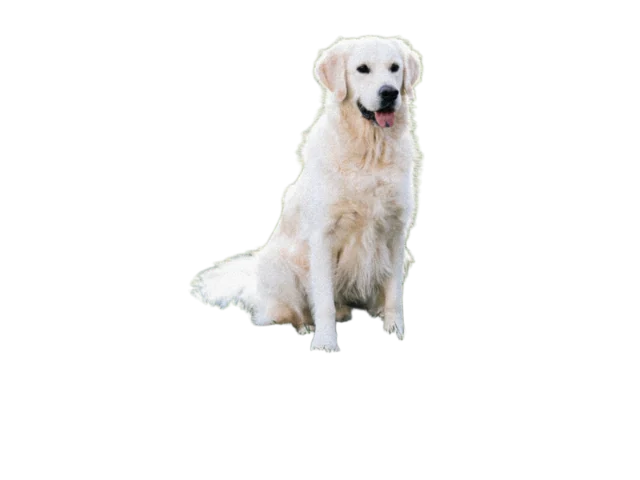
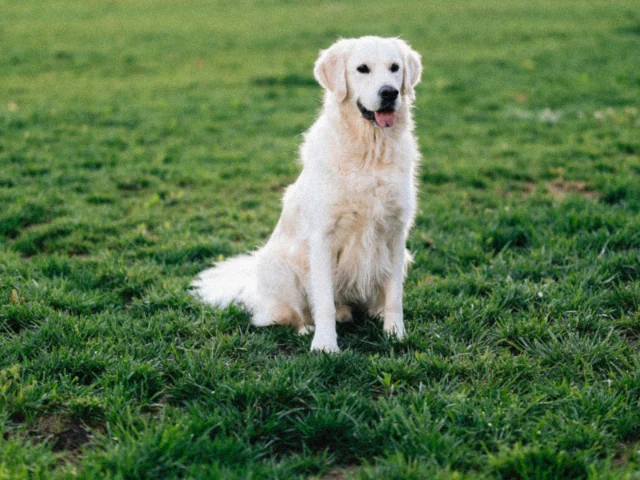 OriginalBackground removed
Slide to see the difference
A photo background remover with no sign-up
Make a cutout for a product listing, profile picture, or design. BG Poof returns a transparent PNG at your photo’s original pixel dimensions, with no watermark or paid download tier.
1. Add your photo
Upload a JPG, PNG, or WebP. You can also drop a file anywhere on this page or paste an image from your clipboard.
2. Check the cutout
Background removal starts automatically. Once it finishes, use “Show original” to compare the result with your photo.
3. Save the PNG
Download the transparent image, or right-click the finished cutout to copy it. The checkerboard is only a preview of the transparent area.
Before you upload
Is background removal really free?
Yes. You can remove a background and download the PNG without creating an account or paying. BG Poof adds no watermark. To keep the service available, removal requests are rate limited; if you reach the limit, wait a minute and try again.
What photos can I upload?
JPG, PNG, and WebP files up to 25 MB and 25 megapixels, with no side longer than 8,192 pixels. Use the clearest original you have. Blurred edges and subjects that blend into the background can be difficult to separate.
Will it keep hair, glass, and shiny objects?
Not always. Thin hair, transparent glass, reflective foil, and shadows can confuse automatic removal. BG Poof refines edges, but it cannot reliably recover a large part of a subject that was missed. Read the photo quality and troubleshooting guide before retrying.
Where does my photo go?
Cloudflare processes your upload. Our processing server also receives it for automatic edge refinement when that is enabled. BG Poof does not save uploads or results; your browser keeps the working images while you use the page. Read the processing and privacy details.